THE BLURUWM APP
One perspective.
More possibility.
Explore the financial app and its Property destination. An early look at the Bluruwm experience, available through an invitation-only web beta.
THE EXPERIENCE TODAY
An honest look
at what’s here.
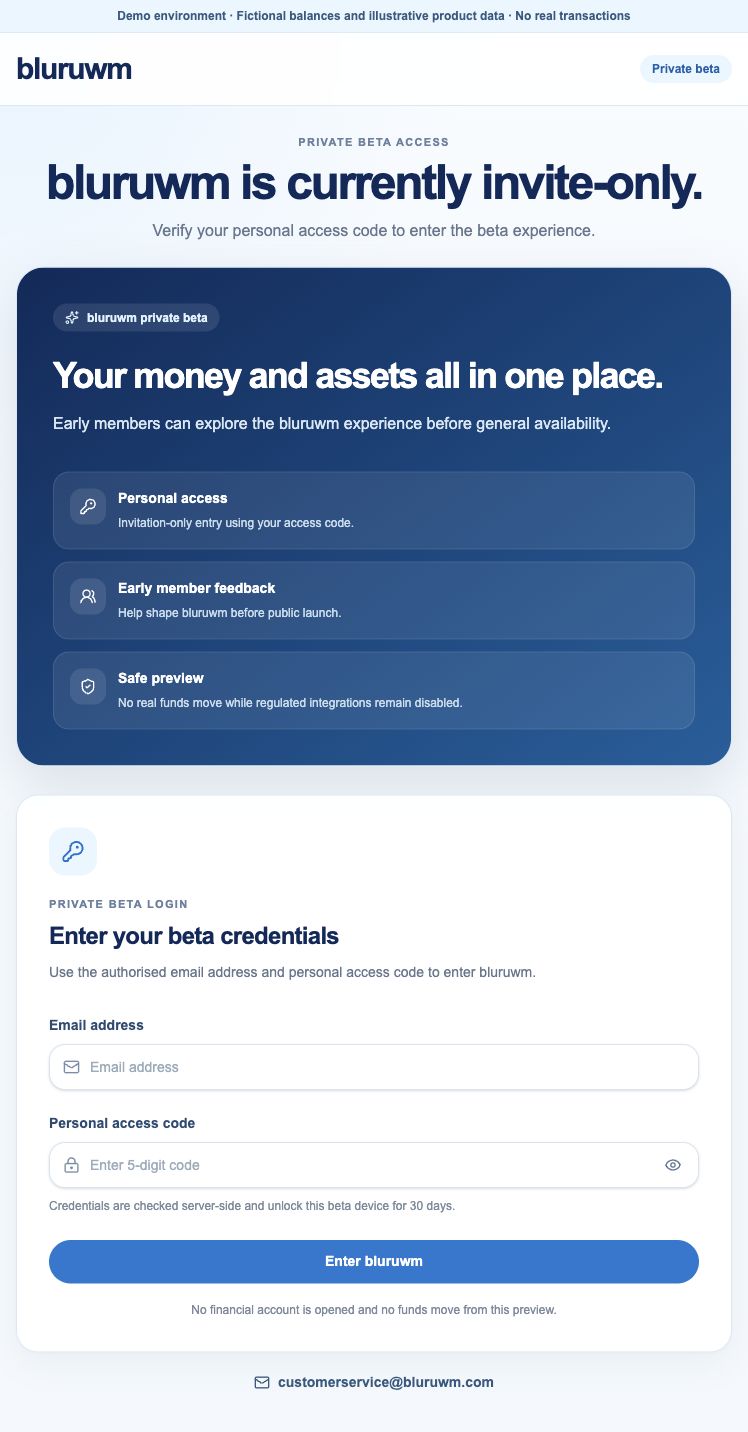
The current beta sign-in asks for an authorised email address and personal access code. No financial account is opened by entering the demo.
The interface includes financial overview, accounts and a Property destination. These are preview experiences, not confirmation of available financial products or real transactions.
Looking for a mobile download?
Verified App Store and Google Play listings are not available on this website. Use the web beta if you have an invitation.
GETTING ACCESS
A considered path to access.
- 01
Your application
When applications open, provide the requested information through the secure application journey.
- 02
A considered review
Your application is reviewed. Further information and verification may be required.
- 03
Account access
If approved, receive instructions to set up or link your account and activate access.
- 04
Explore your possibilities
Access the app and the services for which you are eligible. Individual products may need a separate assessment.
Applications are currently closed. An existing beta invitation is separate from financial-account approval.
PROPERTY IN THE PICTURE
A destination
for your next address.
The app includes a Property destination. The property portal remains a separate project. Shared sign-in and a continuous identity journey have not been verified.
Discover the property experienceYOUR NEXT CHAPTER
Begin with a possibility.
Understand the journey. Find the right next step.